
Recurring reminders and events in CleverNote
This guide is for the CleverNote: Notes & Reminders app. Explore the other blog
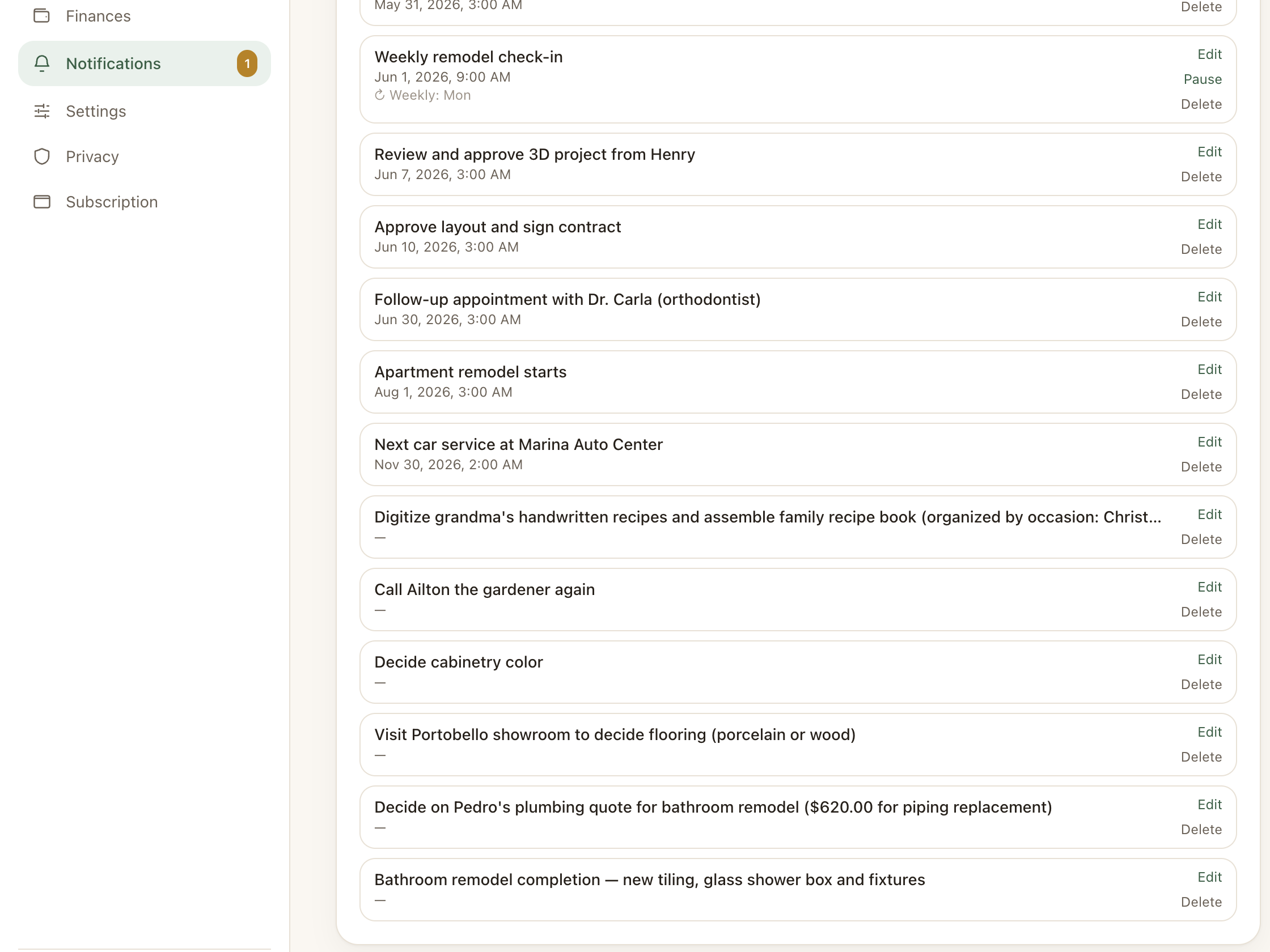
When a reminder repeats
Some appointments happen once: doctor visit, specific meeting, project deadline. Others repeat: rent payment every 5th, weekly team meeting, monthly budget review.
For the second type, creating a separate reminder each month is unnecessary. CleverNote supports full recurrence.
Creating a recurring event
From an existing reminder
If you have a reminder (created automatically or manually), you can convert it to recurring:
- In Notifications, open the reminder
- Tap Edit
- In the Recurrence section, choose the pattern
Creating from scratch
In Notifications, tap New reminder or event:
- Title: what you need to remember
- Date and time of the first occurrence
- Recurrence: select the pattern
- Location (optional), address or description
- End time (optional)
Available recurrence patterns
| Pattern | Example |
|---|---|
| Daily | Every day at 8am |
| Weekly (one day) | Every Monday |
| Several days per week | Every Monday and Thursday |
| Monthly (fixed day of month) | Every 5th of the month |
Recurrence is always open-ended: it repeats with no end date. When you no longer need it, just pause or delete the series.
How notifications arrive
Depending on your configuration:
- Push: phone notification (requires installed app with permission)
- Email: daily or weekly digest of reminders
- In-app: appears in Notifications when you open the app
Editing and deleting recurrences
A recurrence is a single series, not a list of separate occurrences. When you edit a recurring event, the change applies to the whole series (title, time, pattern).
You have two actions to control the series:
- Pause / Resume: the series stops firing but stays saved. Resume whenever you want, with nothing to recreate.
- Delete: removes the series entirely.
There is no “this occurrence” or “this and future” option, and no way to skip a single date. For a one-off exception, pause the series or create a standalone reminder.
Tip: recurring events for financial review
A good habit: create a monthly recurring event “Review this month’s finances” on the last day of each month. When you receive the notification, open the dashboard and ask chat: “how was my spending this month compared to last month?”
See also: Reminder extraction, Finance dashboard, Resurfacing
Frequently asked questions
- Can I set a reminder that repeats every Monday and Thursday?
- Yes. Recurrence supports multiple days of the week in the same rule.
- Does the reminder respect my timezone?
- Yes. CleverNote uses the timezone configured in your account (IANA, auto-detected). A reminder at 9am in New York will fire at 9am NY time.
- Can I pause a recurrence without losing the series?
- Yes. Open the recurring reminder and tap Pause. The series stops firing but stays saved, and you can resume it whenever you want.
Try the app from this guide with your CleverNote account.
Open CleverNote: Notes & Reminders
CleverNote: Notes & Reminders
