
Magic-link authentication: no password, no risk
This guide applies to both CleverNote Finance and CleverNote: Notes & Reminders. Explore the other blog
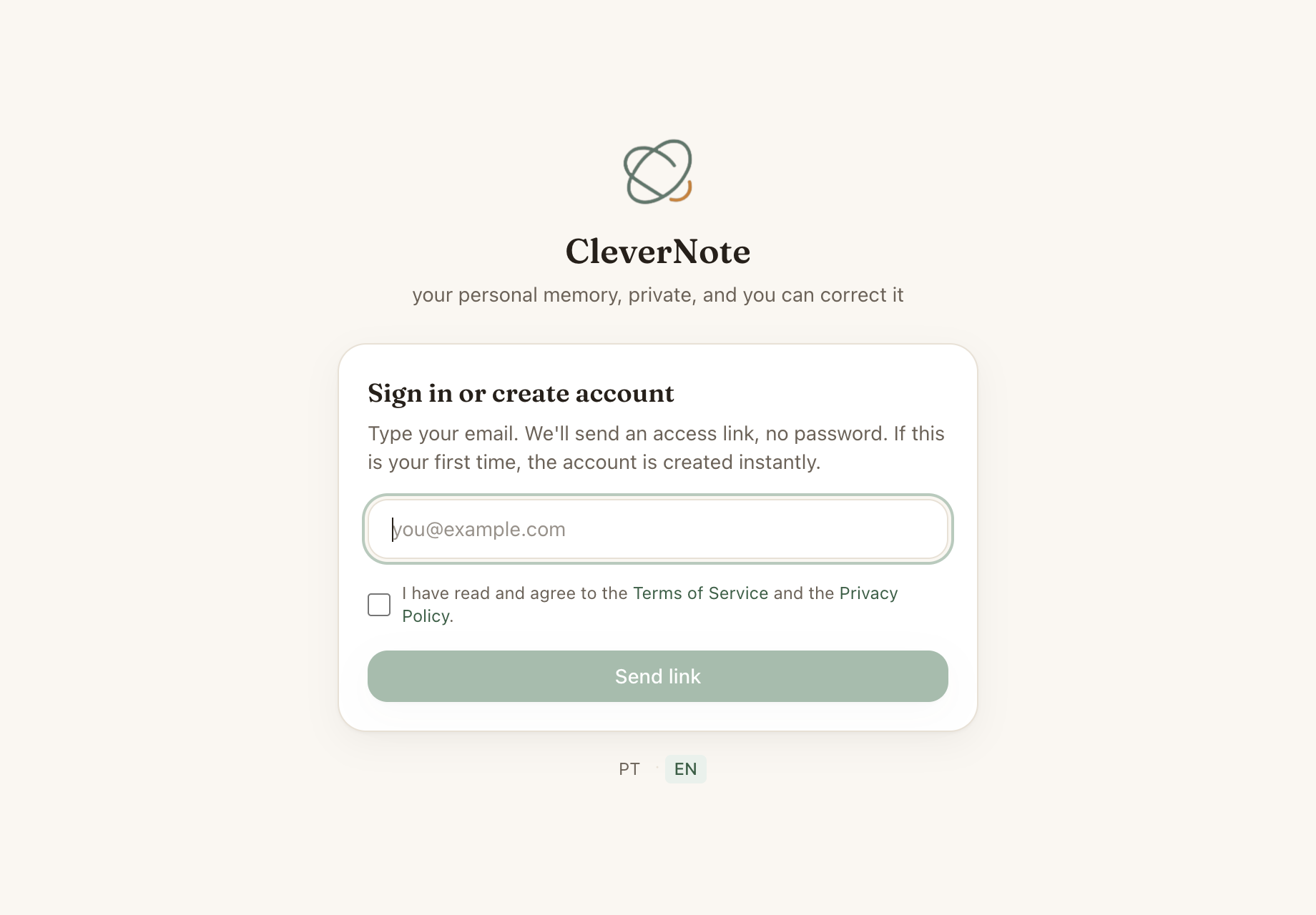
Why no password
Passwords have two fundamental problems: you forget them or you reuse them. Forgot it: recovery process. Reused it: if another site leaks, your account here is compromised.
Magic-link eliminates these problems. No password to forget or leak. Access is proved by control of your email inbox, which is already protected by its own authentication.
How it works
- You enter your email in CleverNote
- The system generates a single-use token and, alongside it, a 6-digit code
- An email arrives with both: a button with the link and the code
- You choose: click the link, or type the 6-digit code on the sign-in screen
- The token is validated and invalidated, and your session begins
The token expires in 15 minutes if unused. The session lasts 30 days.
The link is the fastest path on a phone (it opens the app directly). The code is handy when you’d rather not leave your inbox, or you’re typing on a different device than the one that received the message.
Token security
Each token only works once: when used (by the link or the code), it’s immediately invalidated. A phishing link that tries to reuse the token after you’ve already signed in won’t work. And every token expires in 15 minutes.
The 6-digit code gets an extra defense against guessing: it’s invalidated after a few wrong attempts. Combined with the limit of 5 attempts per minute per IP, there’s no room for an automated attacker to land a code among a million possibilities.
Sessions and devices
The session is stored as an HttpOnly cookie (not accessible to JavaScript) with HMAC-SHA256 signing. It is not recorded in a database: it is a self-verifying cookie, with no server-side state.
That is why there is no panel listing your devices. Logging out ends the session on that device, and every session expires on its own after 30 days. If you suspect unauthorized access, the practical step is to log out.
Rate limiting
The system applies a limit of 5 login attempts per minute per IP. This prevents email enumeration attacks or spam login attempts.
Tip: add CleverNote email to contacts
Magic-link emails come from notify@clevernote.net. Adding this address to your contacts prevents links from landing in spam or Gmail’s “Promotions” folder.
See also: Privacy and deletion, iOS app guide, Free vs paid plan
Frequently asked questions
- What happens if the link expires?
- You simply request a new link. The process takes seconds and the previous link is automatically invalidated.
- Can I use the same email on multiple devices?
- Yes. Each device has its own session. You can be logged in simultaneously on iPhone, work computer and personal computer.
- How do I end access on a device?
- Log out on that device to end its session. The session also expires on its own after 30 days. There is no panel listing sessions per device: if you suspect unauthorized access, the practical step is to log out.
Try the app from this guide with your CleverNote account.
Open CleverNote FinanceOpen CleverNote: Notes & Reminders
CleverNote Finance


CleverNote: Notes & Reminders