CleverNote

Notes, people, and reminders

On the web and in the CleverNote app

You don't have to remember everything.

Save notes, photos, voice recordings, and documents. When you need a detail, ask CleverNote and get an answer with a source you can check.

Without signing up you get 5 notes and 3 questions to try it. When you create your account, you get 15 days of Pro features, no card.

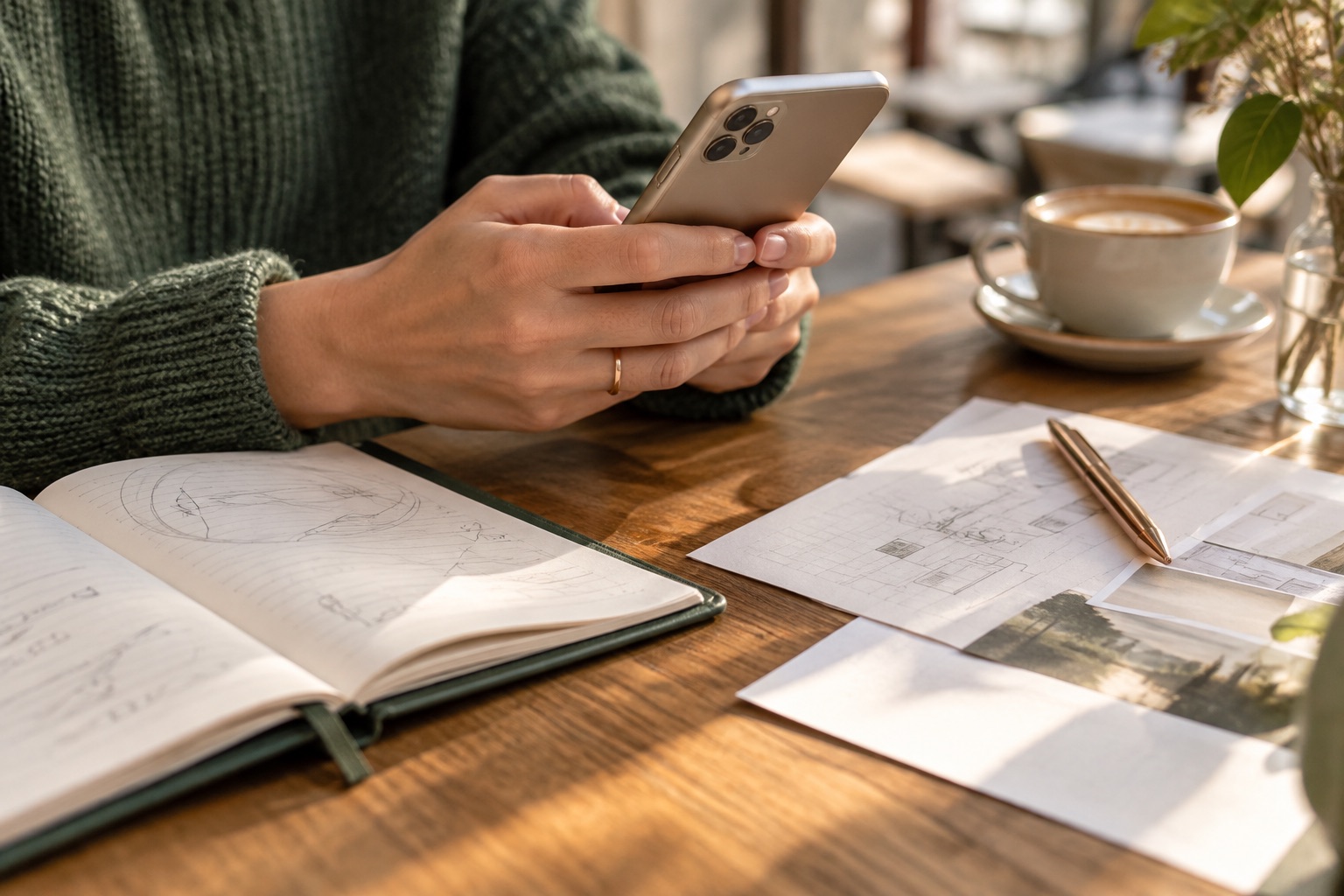
A desk with an open notebook, a phone, and work papers in natural light
Save the detail. Get back to what matters. Illustrative editorial image

From what you saved to what you need

Project · Aurora website

2 saved records

When will Ana send the proposal?

What your notes say

Friday, September 18.

Ana will send the final proposal for the Aurora website on that date. The deadline is in the meeting note.

From the source

“Ana will send the final proposal on Friday, September 18, 2026.”

Meeting with Ana · Text · Sep 10, 2026

How much was the project quoted at?

What your notes say

R$ 4,800, in the initial quote.

It includes five pages, a responsive layout, and two rounds of revisions. The document specifies 30% on acceptance and 70% on delivery.

From the source

“Estimated total: R$ 4,800 (BRL). Payment: 30% on acceptance and 70% on delivery.”

Initial quote · Aurora website · Sep 11, 2026

What do I need to send Ana?

What your notes say

The brief and three references.

By Tuesday, September 15. That is what you agreed to send so Ana can prepare the final proposal.

From the source

“I will send the brief and three references by Tuesday, September 15, 2026.”

Meeting with Ana · Text · Sep 10, 2026

Demo with sample data

The first step fits your day

01

Save without losing your flow

A note, a voice recording, or a document that just arrived.

02

Ask when you need it

Search for what you remember, in your own words.

03

Get back to the context

Open the source and correct the interpretation when needed.

01 · Capture

Save it as it happens.

An idea between tasks. An important document. A conversation worth remembering. It can all start with a capture.

  • Text
  • Photo
  • Voice
  • PDF

Idea for the proposal: a simpler opening and three examples of the work.

Demo with sample data

Chrome and Edge extension

Web Clipper

Found something worth keeping? Save web pages and excerpts straight to your library, with the original link.

Also available as a bookmarklet.

Forward it. Keep it.

Your capture email

A personal address for capture. Forward messages and attachments from an authorized email address, then find them later in your notes.

Your address is in settings.

iOS · Android

From your phone to CleverNote

A photo, a link, or a PDF: tap Share and choose CleverNote. No copying between apps.

02 · Context

People and decisions, in context.

Find a person through the conversations and documents you saved. Their context stays close to their name.

Search, stacks, People, and Reminders help you get back to what matters.

Ana

Aurora website project contact

Meeting with Ana · Sep 10, 2026

Ana will send the final proposal for the Aurora website on Friday, September 18.

View original

“Project: Aurora website. Ana will send the final proposal on Friday, September 18, 2026. I will send the brief and three references by Tuesday, September 15, 2026. The initial quote will be in a separate document.”

Demo with sample data

One simple note

Remind me to send Ana the brief on September 15, 2026, at 9 am.

CleverNote

Sep 15 · 9 am

Send Ana the brief

Your reminder, with the note it came from.

  • Mobile push
  • Email reminder

Demo with sample data

03 · Reminders

Saved it for later? CleverNote reminds you.

Write down what you need to remember. CleverNote identifies the date and creates a reminder. If the date is unclear, you confirm it first.

Get push notifications on your phone and email reminders. The original note stays close to the reminder.

Push requires permission on your device. Email reminders arrive together in a digest.

On your phone too

One CleverNote app, with your notes and your finances.

Pricing

Start free. Choose more when you need it.

One account, one plan across available products. You do not need a separate subscription for each app.

New accounts: 15 days of Pro features. No card needed to start.

To get started

Free

US$ 0

Always free

To get started and keep your library.

  • 15 notes per month
  • 30 questions per month
  • Read your saved library
Start free

For more capturing and asking

Plus

$4.99 per month

Billed month to month.

More freedom to capture and ask.

  • Notes and questions without the Free monthly cap
  • Read your saved library
Choose Plus

For US and Canadian bank connections

Pro

$7.99 per month

Billed month to month.

Everything in Plus, with optional bank connection in Finance.

  • Everything in Plus
  • Supported US and Canadian banks
  • Optional, read-only connection
See Pro
How limits and billing work

A note is each thing you save, whether text, a photo, voice, or a PDF. Limits are shared across your CleverNote space, and switching products does not reset them.

In every plan: text, photos, voice, and PDF, with sources to check. Pro bank connection is part of Finance.

Web prices in US dollars. Annual billing charges the full year at once, and the monthly equivalent is for comparison only. App store offers and prices depend on your region and availability in the app.

What happens after 15 days?

Your library stays accessible on Free, with up to 15 new notes and 30 questions per month. Notes and questions in Finance use those same limits.

There is no automatic charge when the trial ends. Choose Plus or Pro to keep using paid features.

Before you start

Where does the answer come from?

From content you saved and can access. Each answer points to the passage that supports it, for you to check.

Does a correction change the original?

No. Correcting the interpretation keeps the original accessible, and you can tell what the source said apart from your own correction.

Can I save from the web and by email?

Yes. The Chrome and Edge extension saves pages and excerpts, and your personal capture address receives messages and attachments from authorized senders.

Save it now. Ask later.

Give your next idea, conversation, or document a place you can return to later.

Save my first note

Without signing up you get 5 notes and 3 questions to try it. When you create your account, you get 15 days of Pro features, no card.