
What a Personal Knowledge Management App Does
This guide is for the CleverNote: Notes & Reminders app. Explore the other blog
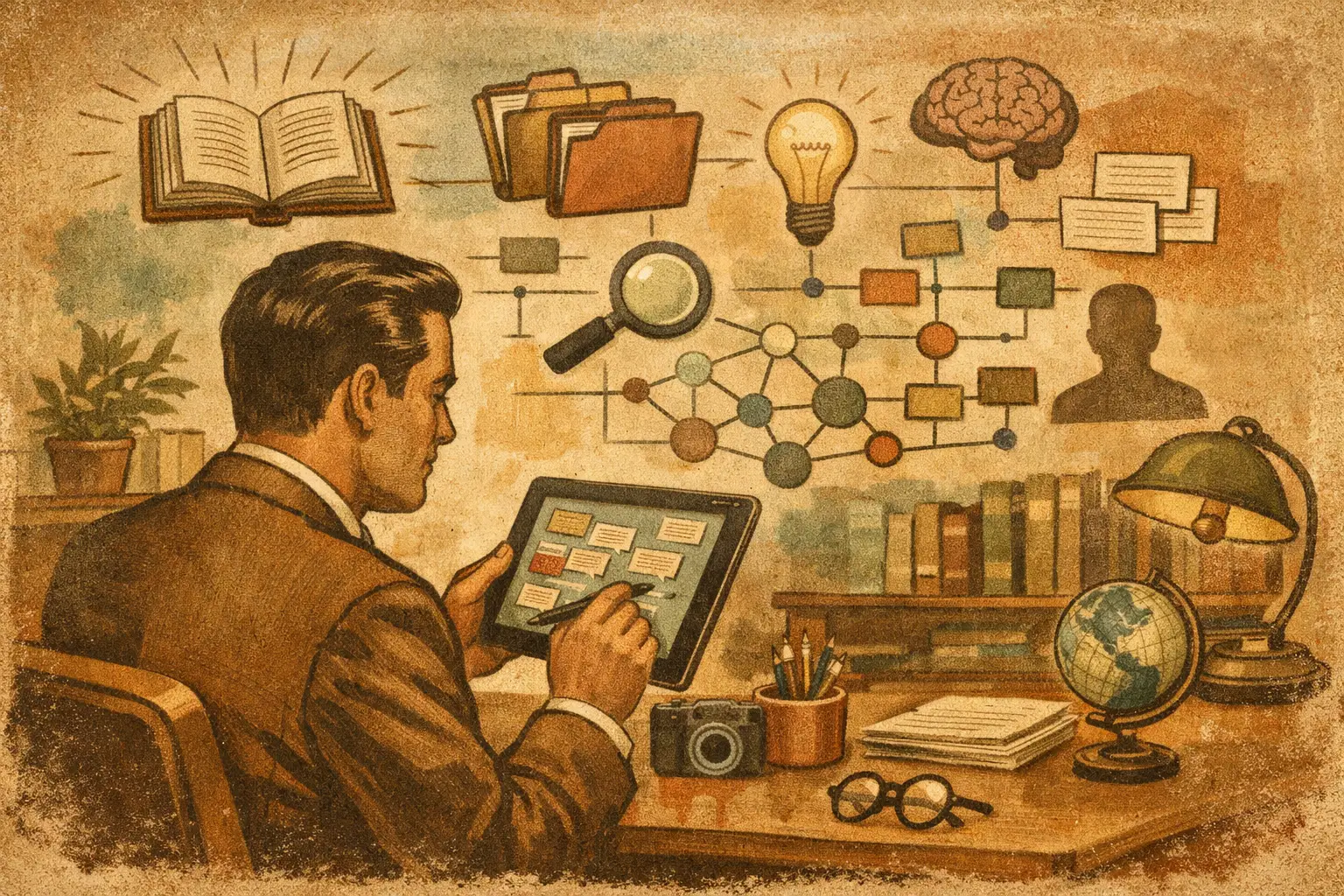
Your plumber sends an invoice by text. You photograph a receipt from the hardware store. A few months later, you need to know what you paid, when the repair happened, and whether the work is still under warranty. The answer should not require searching your camera roll, email inbox, bank app, and old conversations. That is the practical job of a personal knowledge management app: turning scattered information into something you can ask about and trust.
For most people, knowledge management is not about collecting quotes or building a perfect second brain. It is about remembering the details that keep life moving: a client’s last request, a child’s allergy note, a contract renewal date, a payment confirmation, or the name of the contractor a neighbor recommended.
A personal knowledge management app is a memory you can question
A notes app stores what you write. A cloud drive stores what you upload. A spreadsheet can track what you decide to enter. Each can be useful, but each asks you to remember where something belongs before you can save it.
A personal knowledge management app takes a different approach. It collects material from ordinary life, reads what it can, and connects the useful details. A receipt is not just an image. It can become a record with a merchant, amount, date, category, and source. A voice note can become searchable text. An email can be connected to a person, project, payment, or event.
The point is not to create more records for you to manage. The point is to make the original material useful later.
Instead of asking, “Which folder did I put that in?” you can ask, “What did the mechanic say about the last repair?” Or, “What did Maria say about the lease renewal?” A useful system returns an answer and shows the receipt, message, document, or note behind it.
That source matters. A confident answer without evidence is just a guess presented nicely. When the original invoice or email is attached to the answer, you can check it in seconds and correct anything that is wrong.
The problem is fragmentation, not a lack of apps
Most households and small businesses already have plenty of places to save information. The problem is that each place holds only part of the story.
Your contacts know who someone is. Your banking app knows that money moved. Your inbox has the invoice. Your photos contain the receipt. Your notes may include why you hired that person in the first place. None of those tools naturally connect the facts.
This becomes expensive in small ways. You pay a bill twice because you cannot find proof of the first payment. You miss a renewal date. You spend twenty minutes looking for a tax document. You hire the same provider again without remembering the issue from last time.
Folders and tags can help, but they come with a cost: you must organize every item before the system can help you. That sounds manageable until life gets busy. The photo stays in the camera roll. The voice memo is never transcribed. The receipt disappears into a bag. The note is saved with a title like “important.”
A better system reduces the work at the moment information arrives. Capture first. Let the system read, classify, and connect what it can. Ask questions later. Correct the record in plain language when needed.
What should happen after you capture something
The best test is simple: save a messy piece of real-life information and see whether it becomes useful without a cleanup project.
Take a restaurant receipt from a business dinner. A capable app should recognize the date, merchant, total, and perhaps the items. If you add a short note such as “meeting with Jordan about website proposal,” it should preserve that context too. Months later, you should be able to find the receipt by the restaurant, the person, the project, or the amount.
The same principle applies to a PDF contract, an emailed utility bill, a screenshot of a booking confirmation, or an audio note after a call. The format changes, but your future question is usually the same: what happened, who was involved, when did it happen, and what did it cost?
OCR, audio transcription, and automated extraction are valuable because they remove manual typing. But automation alone is not enough. The information needs context. A $275 charge means little until you know it was a plumbing repair, tied to a specific provider, at a specific property, supported by a receipt.
That is where a connected personal record becomes more useful than a pile of files.
Ask questions people actually ask
A system is only as good as the questions it can answer in the middle of a busy day. Forget abstract queries. Think about the questions that stop you from making a decision:
- “When was the last time the air conditioner was serviced?”
- “How much have I paid this client since January?”
- “Which documents did the accountant ask me to send?”
- “What was the name of the babysitter recommended by Elena?”
- “Did I already cancel that subscription?”
These questions cross categories. They involve people, money, dates, messages, documents, and sometimes a decision you made months ago. A conventional folder structure struggles because one item may belong in several places at once. Is the invoice under Home, Finances, Repairs, or the contractor’s name?
You should not have to decide. The same record can be found through all of those paths when its details are connected.
CleverNote is designed around this practical use: you capture text, photos, audio, links, emails, receipts, and PDFs, then ask for the information later. Its answers can point back to the original source, so you are not forced to trust a summary you cannot verify.
Keep the original source close to the answer
AI can save time by reading documents and bringing details together. It can also misunderstand a blurry receipt, confuse two people with similar names, or interpret a note without enough context. That is not a reason to avoid automation. It is a reason to insist on visibility and control.
When an app answers a question about a payment or commitment, look for the evidence. Can you open the statement, receipt, email, or note that informed the answer? Can you see the date and amount? Can you fix a mistaken category without learning a complicated system?
The best correction experience is conversational. You should be able to say, “That charge was for the office, not home,” or “This receipt belongs to Sam’s project.” The system should update the context without making you rebuild a spreadsheet or reorganize a folder tree.
This matters especially for financial records. If you connect bank accounts, understand what the connection does. Read-only access can import transaction data without allowing payments or transfers, and you should never need to share your bank password with the app itself. Even then, decide which accounts and records belong in your personal memory based on your own comfort and privacy needs.
Choose less organization, not less control
There is a trade-off in every personal knowledge system. More structure can produce cleaner data, but it also creates more work. Less structure is easier at capture time, but it depends on the app being good at search, extraction, connections, and corrections.
For a researcher building a long-term library, detailed tags and linked concepts may be worth the effort. For a parent managing school forms, repairs, appointments, and household spending, that ritual is usually the problem. The right app depends on what you need to retrieve and how much maintenance you are willing to do.
Look for a tool that handles your real inputs, not an idealized version of your life. If you mostly receive information through photos, messages, email, PDFs, and voice notes, those should be easy to capture. If your questions involve money and people, the app should make those connections visible. If it makes a mistake, correcting it should take less time than doing the classification yourself.
A good personal knowledge management app does not ask you to become a librarian. It gives you a reliable place to put the evidence of your life, then helps you find the answer when you need it most.
Try the app from this guide with your CleverNote account.
Open CleverNote: Notes & Reminders
CleverNote: Notes & Reminders
