
Voice Notes to Searchable Text That Works
This guide is for the CleverNote: Notes & Reminders app. Explore the other blog
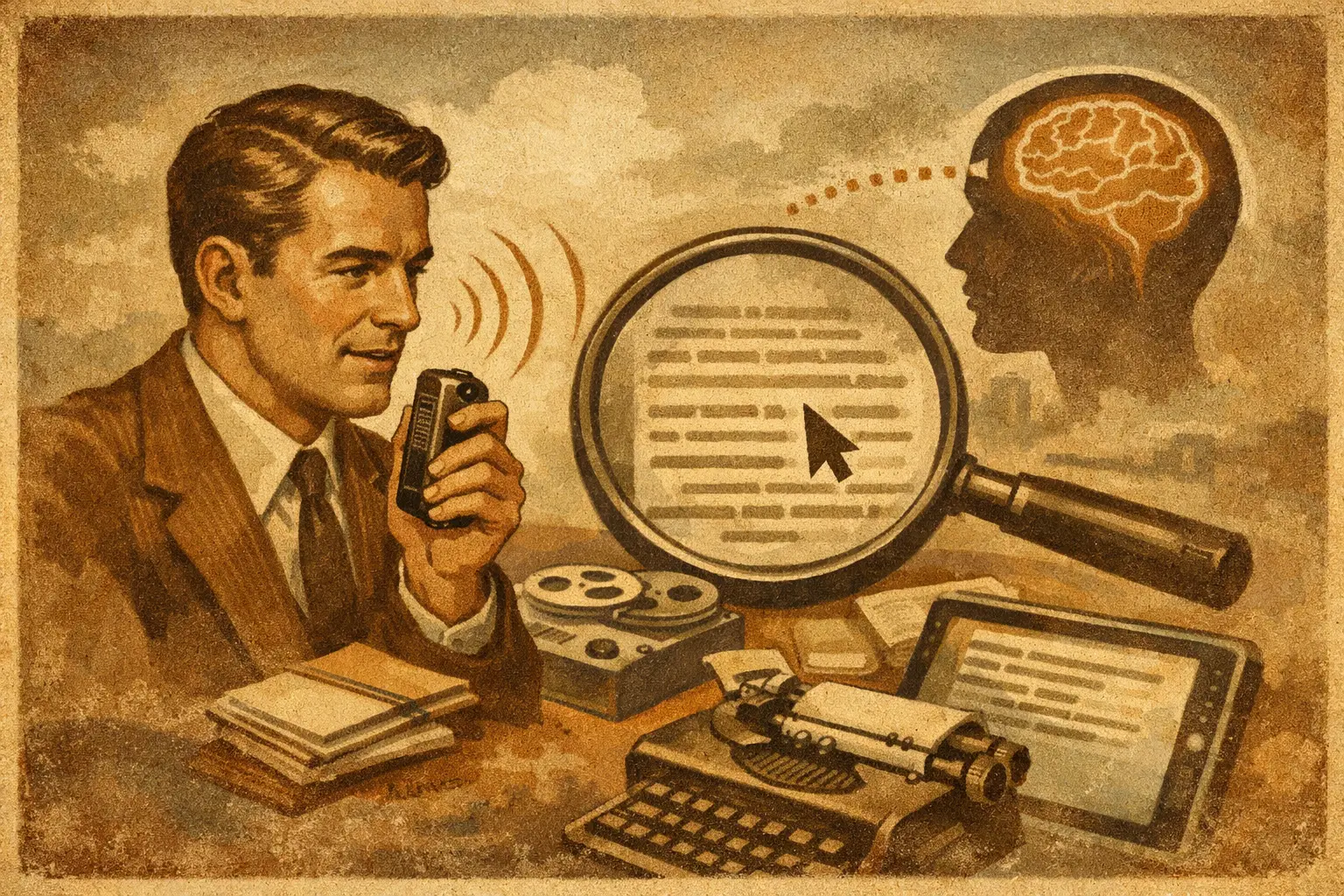
A 47-second voice note can contain the answer to a problem that costs you an afternoon. The plumber said which part needed replacement. A client approved a change. Your partner mentioned the school payment deadline. But if that answer lives only inside an audio file, it may as well be buried in a drawer. Voice notes to searchable text turn spoken details into information you can find when you need it.
That is different from simply getting a transcript. A transcript is useful, but a practical personal memory goes further: it lets you search for the person, amount, date, decision, or event inside the recording. You should be able to ask, “What did the contractor say about the roof repair?” and get an answer that points back to the original note.
Why audio is easy to capture and hard to recover
Voice notes solve a real problem: typing is not always available. You are driving, walking the dog, leaving a meeting, or standing in the grocery store when an idea appears. Speaking takes seconds, so you record it and move on.
The trouble starts later. Audio apps usually organize recordings by date, thread, or filename. That works only if you remember when you recorded something. It fails when your real question is about context: “Did I already pay the electrician?” or “What did my accountant tell me about estimated taxes?”
Replaying recordings is slow. Scanning a long transcript is better, but it still creates work if every note becomes a separate document with no connection to your contacts, receipts, calendar details, and other records. The goal is not to build a library of transcripts. The goal is to make everyday information recoverable.
What voice notes to searchable text should actually do
Useful audio capture has three jobs: preserve what you said, make it searchable, and keep the surrounding context available. If one of those is missing, you still end up doing detective work.
Transcribe the words without making you type twice
The first job is accurate transcription. Names, addresses, product models, measurements, and dollar amounts matter more than polished punctuation. A system can make reasonable guesses, but it should not pretend every guess is fact.
For example, if you dictate, “Miguel quoted $680 for the water heater install next Tuesday,” the text should capture the name, price, service, and timing. If it hears “$680” as “$6800,” you need an easy way to correct it in plain language. Good automation saves the first pass. You remain in control of the record.
Let you search by the way you remember
Most people do not remember exact wording. They remember fragments: a person, a rough month, a purchase, or why something mattered. Search should handle questions such as:
- “What was the name of the pediatric dentist Jamie recommended?”
- “How much did we agree to pay for the kitchen cabinets?”
- “What did I say about the renewal date for the insurance policy?”
- “Which client asked for the revised proposal before Friday?”
This is where searchable text becomes useful instead of merely readable. The system needs to recognize that “cabinet quote,” “kitchen renovation,” and the contractor’s name may refer to the same situation.
Keep a path back to the original recording
A transcript can be wrong, incomplete, or stripped of tone. The original audio is the source. When a system gives you an answer based on a voice note, it should show which recording supports it and let you verify the wording yourself.
That matters when the detail affects money, work commitments, or family plans. You should not have to trust a black box that says, “You paid $450.” You should be able to see whether that came from a dictated note, a receipt, or a conversation summary.
Capture first. Organize never.
The old approach asks you to name the file, choose a folder, add tags, and decide where it belongs before recording. That is exactly why people stop using organization systems after a busy week.
A better routine is simpler: record the thought while it is fresh, then let the system do the operational work. It can transcribe the audio, identify likely people and dates, connect it to related records, and make it available for future questions. You can correct anything that matters without rebuilding the structure by hand.
CleverNote follows this model across notes, documents, receipts, contacts, and audio. A voice note about a contractor does not need to live in a folder called “Home 2026.” It can become part of the context around that person, the payment, the repair, and the date. Later, you ask a normal question instead of remembering a filing system.
Four moments when searchable audio earns its place
Voice capture is most valuable when your hands are busy or the detail is easy to forget. For a freelancer, that may be a post-call recap: “Client approved the scope, wants the first draft by the 18th, and budget is around $2,000.” For a parent, it may be a rushed reminder from the parking lot: “Bring the allergy form to the appointment and ask about the new prescription.”
For a household, it often becomes a record of service work. After speaking with a technician, record the diagnosis, quote, warranty, and next step. When the invoice arrives weeks later, you have a reference point before paying it.
For a small business owner, voice notes can preserve decisions that otherwise disappear between calls. Record the reason for a discount, a promise made to a customer, or a vendor’s delivery estimate. The note becomes more useful when it can be found next to emails, documents, and payment information.
For your own ideas, searchable audio stops good thoughts from becoming an archive of cryptic recordings. You might remember only that you had an idea while commuting. Search for the topic, a phrase, or the person involved, and find it without listening to ten old notes.
How to record notes that remain useful later
You do not need to speak like a court reporter. Natural speech is fine. But a few small habits make retrieval better.
Start with the subject when it is practical: “Note about the lease renewal,” “Call with Dana at Brightside,” or “Expense from today’s appliance repair.” Say names and numbers clearly. If an amount is important, repeat it once: “The estimate is $1,250. One thousand two hundred fifty dollars.”
Add the decision or next action before ending the recording. “I need to approve it by Thursday,” is much more valuable than a note that only describes the conversation. If the recording relates to a receipt, contract, photo, or email, capture that material too. Context is what turns isolated words into a reliable record.
Do not overdo the structure. The point is not to create a script for every thought. It is to include the one or two details your future self is most likely to ask about.
The trade-offs: transcription is not a magic recorder
Searchable audio is powerful, but expectations should be realistic. Accuracy depends on background noise, microphone quality, accents, overlapping speakers, and specialized terms. A loud restaurant conversation will produce less reliable text than a quick voice note recorded close to your phone.
Privacy also deserves attention. Audio can contain sensitive financial, medical, family, and business details. Before using any service, understand where recordings are stored, how they are processed, who can access them, and whether you can edit or delete them. Convenience is not a reason to give up control.
There is also a boundary between a personal record and formal documentation. A voice note can help you remember a verbal agreement, but it may not replace a signed contract, invoice, or written approval. Keep the source materials that carry legal or financial weight. Searchable notes help you find and understand them faster.
Ask better questions, not just better searches
The real shift happens when you stop thinking, “Where did I save that recording?” and start asking, “What do I need to know?”
Try questions with a person, a time frame, or an outcome: “What did Sam say about the move-in date?” “What repairs did we discuss in March?” “Did I mention why I canceled that subscription?” The more naturally you can ask, the less your memory depends on file names and folders.
Your phone is already where plans change, costs are quoted, and ideas arrive. Let it capture the moment. Then make sure the moment can answer you back.
Try the app from this guide with your CleverNote account.
Open CleverNote: Notes & Reminders
CleverNote: Notes & Reminders

