
How to Organize Personal Information Without Folders
This guide is for the CleverNote: Notes & Reminders app. Explore the other blog
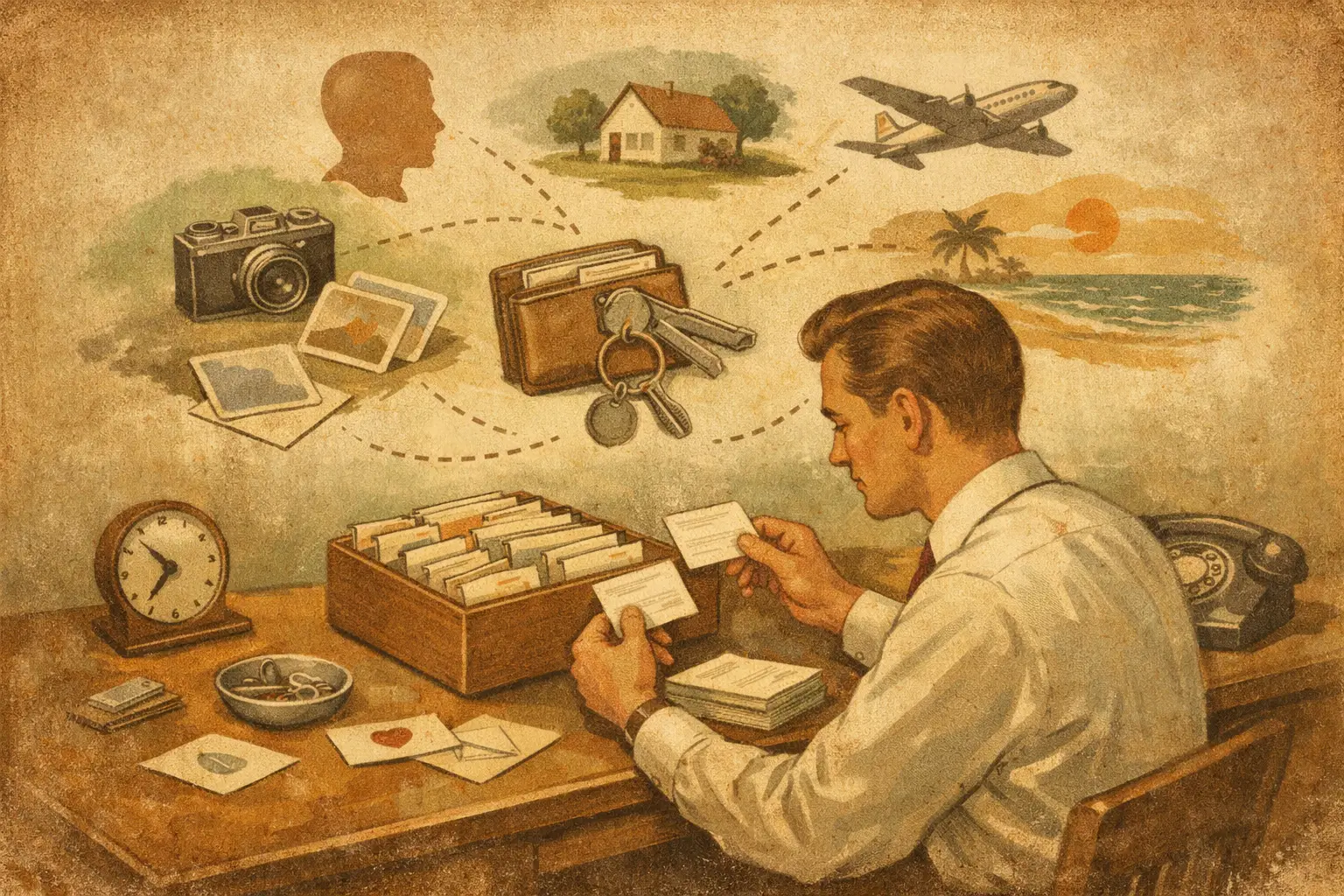
A plumber sends a quote in a text message. Your child’s school receipt lands in email. You photograph a warranty card, save a doctor’s voice note, and pay a contractor through your bank app. Three months later, one simple question becomes a scavenger hunt: what did I pay, when, and where is the proof?
That is the real problem behind how to organize personal information. Most people do not lack places to save things. They lack a practical way to recover the right detail, with its context, at the exact moment they need it.
The answer is not spending Sunday afternoon creating a perfect folder system. It is building a personal memory that works with the way information actually arrives: messy, fast, and spread across daily life.
Start With Retrieval, Not Filing
Traditional organization starts with a question: “Which folder does this belong in?” That question creates friction. A receipt could belong under Home, Taxes, Appliances, or the person who did the work. A note about a client can also be a payment record, a project decision, and a future follow-up.
When every item has only one place, finding it later depends on remembering the same logic you used when you saved it. That is fragile. Six months later, you may remember the contractor’s name but not the project folder. Or the month but not the payment method.
A better standard is retrieval. Can you ask, “How much did I pay the electrician in March?” and get an answer connected to the receipt, bank transaction, and original conversation? Can you find the warranty for the dishwasher by searching the model, store, or purchase date?
Organize around the questions your future self will ask. Most personal information has a few useful dimensions: people, dates, amounts, places, documents, and events. If those details stay connected, you do not need to predict every future category.
Capture First While the Detail Is Still Available
The best time to record information is when it appears, not when you finally have time to organize it. That time usually never comes.
Capture the raw material in the form you already have. Save the email. Take a photo of the paper receipt. Forward the invoice. Record the thought as a voice note while leaving the parking lot. Keep the link to the product you are researching. The goal is not a polished entry. The goal is not losing the evidence.
This matters because details decay quickly. You might remember that you paid for a repair, but forget whether it was $180 or $280, whether labor was included, or whether the work came with a guarantee. The original receipt answers those questions better than memory ever will.
A low-friction capture habit works especially well for these common situations:
- Household work, including estimates, invoices, photos, guarantees, and conversations with service providers
- Family administration, such as school notices, medical instructions, registrations, and recurring expenses
- Freelance or small-business work, including client requests, project decisions, payments, and contracts
- Personal finances, from subscriptions and reimbursements to major purchases and tax-related records
Do not wait until you can name the right category. Capture now. Let the system make the information useful later.
Turn Loose Files Into Connected Records
A photo of a receipt is better than nothing. A receipt that is readable, dated, linked to a merchant, and associated with an amount is much more useful.
This is where manual organization often breaks down. Reading PDFs, typing totals into spreadsheets, naming every file, applying tags, and updating contact records can work for a small number of items. It becomes a second job when life gets busy.
Instead, let the raw item supply the structure. A receipt can reveal a store, date, total, and purchased items. An invoice can reveal a provider, due date, payment terms, and service. An audio note can become searchable text. A bank transaction can connect to the proof of payment and the person involved.
The point is not to create a more elaborate database. It is to preserve relationships that are already there. “Paid Ana $450 on April 8 for the roof inspection” should be recoverable through Ana, $450, April, roof, inspection, or the source document.
There are trade-offs. Automatic extraction can misread a faded receipt, confuse similar merchant names, or miss the context of a payment. That is why original sources matter. A useful personal information system should show what it used to reach an answer, not ask you to trust a black box.
Use a Few Natural Anchors
Even without folders and mandatory tags, some information benefits from simple anchors. Think of them as the ways you naturally remember real life.
People
People are often the fastest route back to information. Keep contractors, doctors, clients, relatives, landlords, and service providers connected to their calls, documents, payments, and notes.
When you need to ask, “What did the accountant say about that filing?” or “When did we last hire the painter?” the person becomes the starting point. You should not have to search five apps to reconstruct the relationship.
Money
Amounts and payment status make everyday information actionable. It is not enough to know that you hired someone. You often need to know what you paid, what remains due, and whether there is a receipt or transfer confirmation.
For financial information, accuracy matters more than convenience. Keep the receipt or invoice beside the transaction whenever possible. If you use bank connections, prefer read-only access and never share your banking password. A connected record is helpful; a verifiable record is better.
Time
Dates make information usable for deadlines, renewals, and comparisons. A lease renewal, annual insurance payment, medication refill, or client deliverable is easy to overlook when its date is buried in a long message thread.
You do not need to create a calendar event for every document. But dates worth acting on should be recognizable enough to surface when you ask about the next deadline or last occurrence.
Ask Questions in Plain Language
A personal information system becomes valuable when you can interrogate it like a capable assistant instead of manually browsing archives.
Try questions that reflect real decisions: “Where is the warranty for the air conditioner?” “What did the mechanic say about the last repair?” “What was the last quote from the moving company?” “Which payments are still due this month?” “What did I decide about the kitchen cabinet color?”
Good answers should be specific. They should name the amount, date, person, or document involved. They should also let you verify the answer against the original email, receipt, image, recording, or statement.
That last part is not a minor feature. Personal information is often used to settle uncertainty: with a spouse, a client, a vendor, or your own memory. Source-backed answers reduce the chance that a convenient summary becomes a costly mistake.
CleverNote follows this practical model: capture what you have, ask what you need, and correct anything that is wrong in plain language. The system does the reading and connecting, while you keep control over the record.
Correct Only What Matters
No system needs perfect data to be useful. Chasing perfection is one reason people abandon organization projects.
Correct information when the error affects a real outcome. Fix the wrong amount before filing taxes. Correct a contact before hiring that provider again. Add a note when a transaction needs context. If a document was labeled incorrectly, describe the correction simply: “This was a deposit, not the final payment.”
You can also add small context notes that future you will appreciate. A payment alone does not explain whether the contractor finished the job well. A medical receipt does not explain the doctor’s recommendation. A purchase record does not tell you whether the item was returned.
These brief details turn storage into memory. They keep the facts attached to the decision, not just the document.
Set Boundaries for Sensitive Information
Not everything should be captured in the same way. Personal organization should make life easier without making private information careless.
For financial records, medical documents, identity details, and legal paperwork, choose tools with clear security practices and access controls. Avoid sending sensitive documents through channels you do not control. Keep only what you have a reason to retain, and remove outdated copies when appropriate.
For couples, families, or business partners, decide what is shared and what remains private. Shared access can prevent duplicated work and missed bills. It can also create confusion if ownership is unclear. A simple rule helps: share records that require joint action, and keep personal notes personal unless there is a clear reason to include them.
The goal is not to document every moment of your life. It is to keep the facts that help you make decisions, prove what happened, and move on without searching through old messages at midnight.
Your system is working when you stop thinking about where something was saved and start trusting that you can ask for it when it matters.
Try the app from this guide with your CleverNote account.
Open CleverNote: Notes & Reminders
CleverNote: Notes & Reminders
