
Turn Photos Into Searchable Notes Without Filing
This guide is for the CleverNote: Notes & Reminders app. Explore the other blog
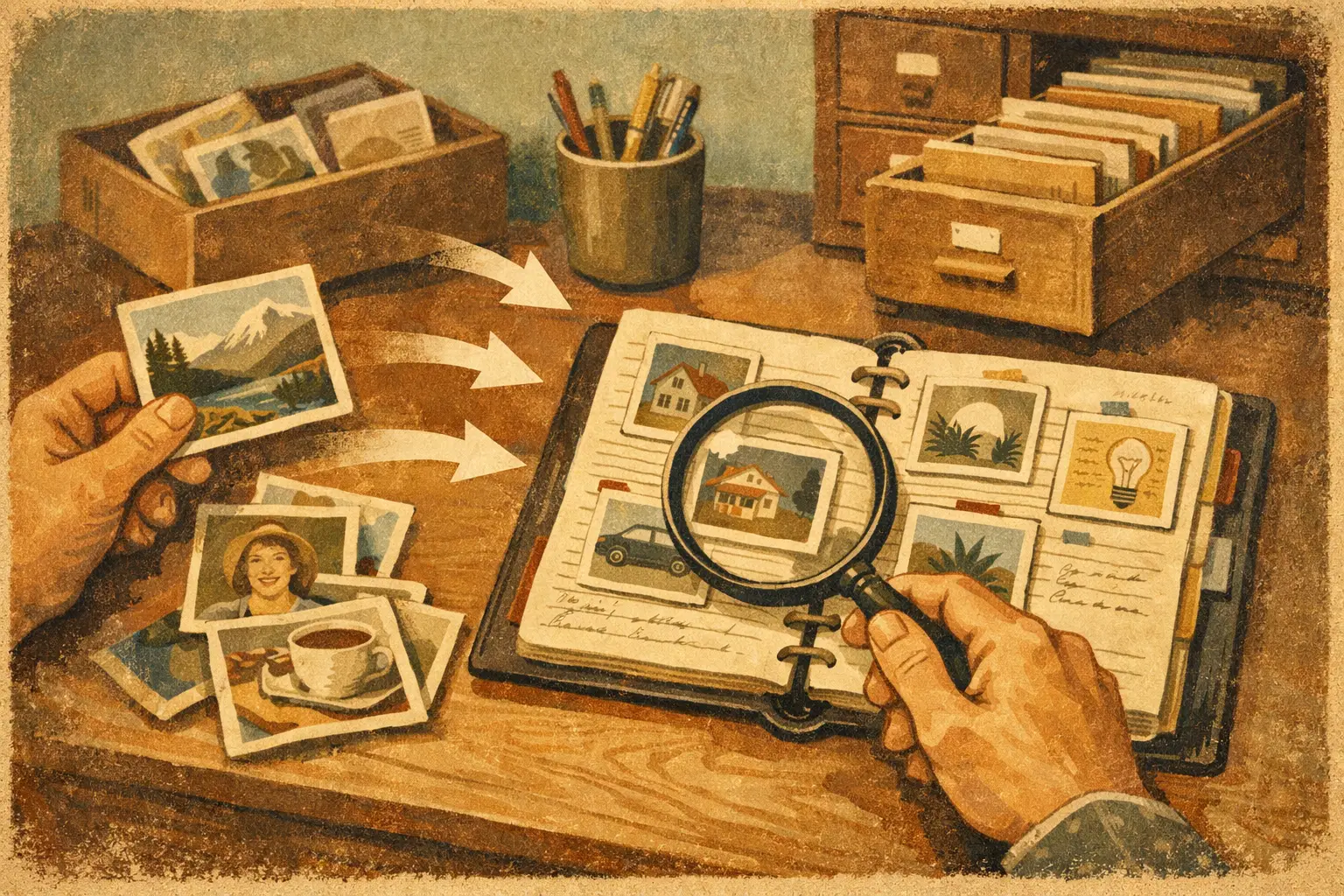
A receipt is only useful until you need to prove what you paid. A photo of a warranty label matters only when the appliance stops working. A snapshot of a whiteboard can contain the decision that saves a project from a confused Monday morning.
The problem is not taking these photos. The problem is recovering what is inside them. When you turn photos into searchable notes, your camera roll stops being a pile of visual reminders and becomes information you can ask for when it matters.
That changes a familiar question from “Which folder did I put that in?” to “What was the model number on the water heater?” You should not have to remember where a photo lives before you can use the information it contains.
Why photos are the most overlooked notes
People already document their lives constantly. They photograph receipts, invoices, medication labels, business cards, lease terms, utility meters, packages, product serial numbers, and handwritten lists. The camera is often faster than typing, especially when you are standing at a store counter, talking to a contractor, or trying to get out the door.
But photos are easy to capture precisely because they are easy to postpone. “I’ll organize this later” usually means the image disappears into thousands of unrelated pictures. Months later, you may vaguely remember taking it, but not the date, filename, album, or device.
Manual organization does not solve this very well. Creating folders, writing tags, renaming files, and copying details into a spreadsheet turns a two-second capture into administrative work. Most people do not need another system to maintain. They need their information to become useful automatically.
Searchable notes make the photo part of a larger record. The text in an image can be recognized, while useful details such as names, dates, dollar amounts, addresses, account numbers, and products can be connected to the surrounding context. A photo of an HVAC invoice is no longer just an image. It can become evidence of who did the work, when it happened, what it cost, and which equipment was serviced.
How to turn photos into searchable notes
The basic flow should be simple: capture, ask, and correct. Take or upload the photo while the information is in front of you. Let the system read it. Then retrieve it later with the words you naturally use, rather than the words you predicted you might need.
Capture the original, not a summary
Start with the source. Photograph the entire receipt, document, label, or handwritten page. If the document has multiple pages, capture each page. Keep the original image because it is the proof behind any extracted detail.
This matters when a number is misread, a total includes tax, or you need to check fine print. A useful personal memory should not ask you to trust a generated summary blindly. It should let you see the original source behind the answer.
For a receipt, include the merchant name, date, line items, and total whenever possible. For a label, make sure the model and serial number are sharp. For a whiteboard, avoid glare and capture the whole board before someone erases it. Good lighting helps, but perfection is not required. The point is to preserve information before it gets lost.
Let the photo become text and context
OCR, or optical character recognition, reads visible text in an image and makes it searchable. That is the foundation, but text alone is not the whole job.
Consider a photo of a contractor’s estimate. Search can find the company name or the word “roof.” Context is what makes the record far more useful: the estimate is connected to your home, the contractor’s contact, the proposed amount, the date, and possibly later photos of the final invoice.
The same principle applies to everyday records. A package label can be tied to an order. A restaurant receipt can be tied to a business trip. A photo of a prescription can be associated with a family member. You should not have to build those connections in a complicated database before the information can help you.
Ask questions the way you remember
The value appears when you can search by fragments of memory. You may not remember the exact store name, but you may remember that you bought a replacement faucet in April. You may not know where the invoice is, but you may remember the electrician’s first name and that the work was around $600.
Useful searches sound like real questions:
- “What did I pay for the dishwasher repair?”
- “Show me the paint color used in the guest room.”
- “What is the serial number for the garage door opener?”
- “Where is the school supply list from August?”
- “Find the receipt from the plumber who fixed the leak.”
A good result does more than return a photo thumbnail. It gives the answer with the supporting source, so you can verify the amount, date, wording, or detail yourself.
The real-life moments when this pays off
The benefit is not a prettier archive. It is fewer frustrating searches during moments when time and certainty matter.
Home repairs and warranties
Homeownership generates a steady stream of documents that are easy to lose: estimates, invoices, appliance labels, paint samples, inspection notes, and manuals. Photographing them is easy. Finding them before a service call is the hard part.
With searchable notes, you can pull up the water heater’s model number while speaking with a technician. You can check when the roof was repaired before requesting warranty service. You can answer “Which filter size did we buy last time?” without digging through a drawer or scrolling through old messages.
Household spending
Receipts often disappear before they can answer basic questions. Did the grocery total include the party supplies? How much did the dog’s medication cost last month? Was that furniture purchase charged to the business or the household card?
A searchable photo record gives spending a source. This is especially helpful when totals need clarification, returns require proof of purchase, or you want to understand a recurring expense without maintaining a manual spreadsheet. The photo provides the evidence; the extracted details make it findable.
Work, freelance, and small-business records
If you work independently or run a small business, your phone likely holds expense receipts, client notes, meeting whiteboards, shipping labels, and photos of signed paperwork. These are not separate categories in real life. They are pieces of the same operating memory.
A photo of a client’s handwritten request can be found by their name later. A receipt can support an expense claim. A picture of a whiteboard can bring back the agreed project scope. This does not replace formal accounting or legal recordkeeping when those are required. It does make the daily retrieval of practical details much faster.
Family logistics
Families manage a surprising number of facts: school supply lists, camp instructions, medical paperwork, insurance cards, clothing sizes, and notes from teachers or caregivers. The person who took the photo should not become the only person who can find it.
Searchable records reduce the burden of being the household’s human filing cabinet. Instead of sending a vague message asking whether anyone saved a document, you can retrieve the original and share the answer with confidence.
What can go wrong, and how to avoid it
Photo search is powerful, but it is not magic. A blurry image, folded receipt, handwritten note, or low-contrast label may produce imperfect text. Numbers are especially worth checking because a single character can change an account number, price, or date.
Treat extraction as a helpful first pass, not a replacement for the source. For important records, verify the details against the original image. If the system gets a person, amount, category, or date wrong, correct it in plain language. The correction should improve the record without forcing you to start over.
Privacy also deserves practical attention. Financial documents, health records, IDs, and contracts are sensitive. Choose a tool that makes clear what it stores, how your data is handled, and whether you can review the original source. Convenience is not worth giving up control over your personal archive.
There is also a judgment call around what to save. Not every coffee receipt needs a permanent home. Capture documents with future value: proof of purchase, instructions, commitments, expenses, reference numbers, and details you are likely to ask about again. The goal is not to digitize every scrap of paper. It is to stop losing the information that has a job to do.
A better habit than organizing later
The best time to save useful information is when it crosses your path. Take the photo after you pay, before you recycle the box, while the whiteboard is still full, or when the technician gives you the paperwork. Then move on.
CleverNote is built around that practical habit: capture what matters, ask for it later, and correct the record when needed. No folder architecture. No tag cleanup session. No need to predict the exact search you will run six months from now.
Your phone is already where life happens. Let the photos you take remember the details, so you do not have to.
Try the app from this guide with your CleverNote account.
Open CleverNote: Notes & Reminders
CleverNote: Notes & Reminders

