
How to Scan Receipts for Expense Tracking
This guide is for CleverNote Finance: transactions, budgets and goals. Explore the other blog
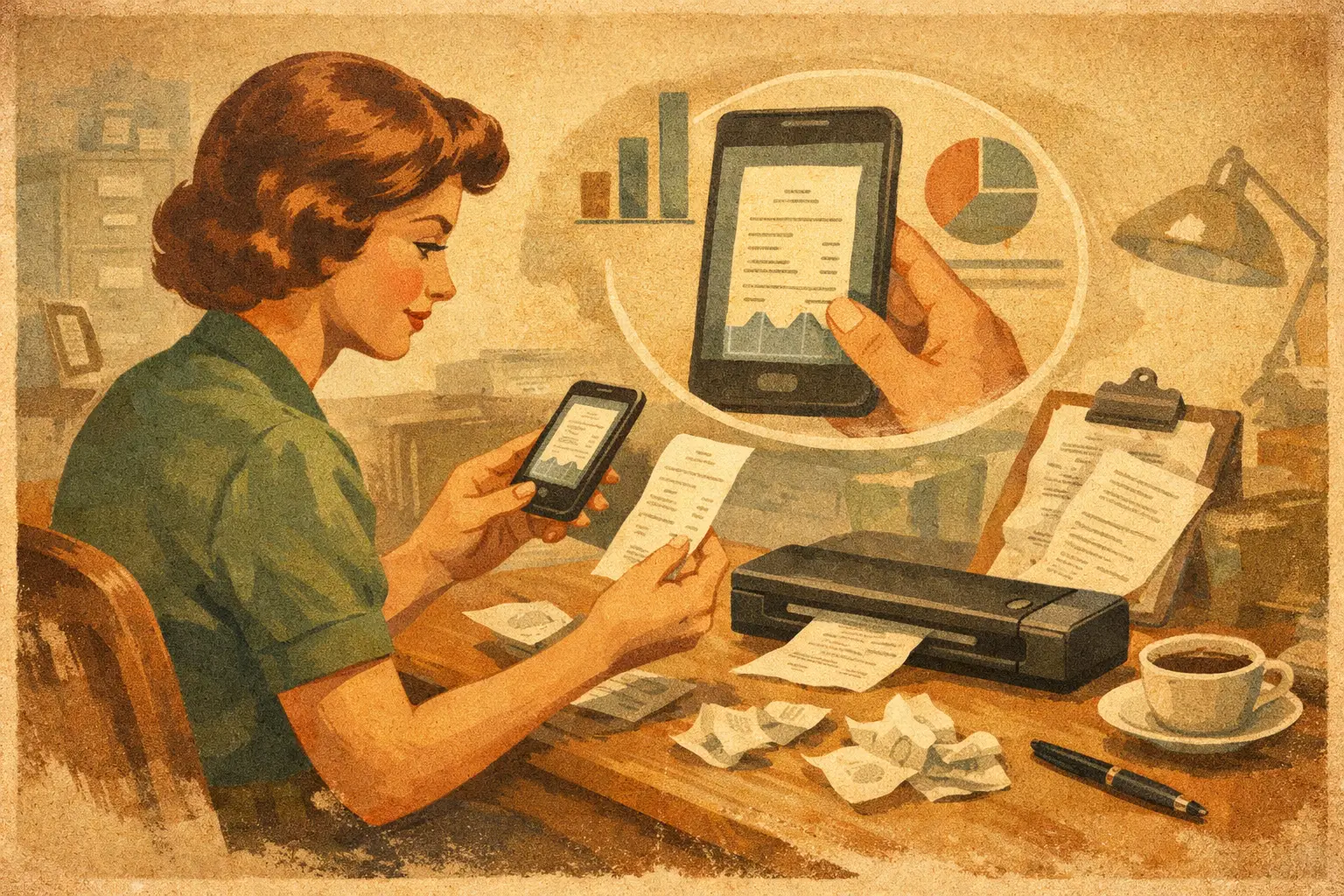
That $186 hardware-store receipt seems unimportant until a contractor asks what materials you supplied, a return window is about to close, or you are trying to understand why home expenses jumped last month. When you scan receipts for expense tracking, you keep the proof attached to the purchase instead of leaving it in a wallet, a camera roll, or the bottom of a bag.
The goal is not to create another administrative chore. It is to make every receipt useful later: searchable by merchant, amount, date, category, project, or person. Capture it when it happens. Let the organization happen in the background.
This is the hands-on workflow. If you are still comparing tools, start with the features that matter in a receipt scanner app beyond OCR.
Why scan receipts for expense tracking?
A bank transaction can tell you that you spent $72.41 at a store. It usually cannot tell you what you bought, whether it was for your client or your household, who reimbursed you, or whether the purchase included a warranty item. The receipt holds that missing context.
This matters for more than tax time. Receipts help you settle shared expenses, prepare reimbursements, monitor contractor costs, return an item, compare recurring prices, and answer ordinary questions without guessing. “How much did we pay the plumber in March?” should not require searching five apps and a pile of paper.
Paper receipts also fade. Photos without a system become digital clutter. A useful receipt record needs readable text, a date and amount, the original image, and enough context to connect the purchase to real life.
Capture the receipt before it disappears
The best scanning habit takes seconds. After paying, place the receipt on a flat surface, open your phone camera, and take a clear photo. Do it before you leave the parking lot, toss the paper into your bag, or forget why the purchase mattered.
You do not need a desk scanner for most receipts. Your phone is enough when the image is sharp and well lit. Keep the entire receipt in frame, avoid shadows, and use a dark surface behind thin thermal paper. If the receipt is long, take overlapping photos so no line items or totals disappear.
Scan the proof, not just the total
For expense tracking, the total is only part of the record. Make sure the merchant name, transaction date, payment details when relevant, taxes, and item lines are visible. Itemized receipts are especially valuable for mixed purchases, such as supplies for a side business bought alongside household items.
If a digital receipt arrives by email or text, save that too. It may be clearer than the printed version and can include an order number, delivery details, or refund status. A screenshot is better than nothing, but the original email or PDF often provides stronger evidence.
Add context in plain language
A receipt image cannot always explain intent. One short note can prevent future confusion: “Paint for kitchen remodel,” “Lunch with Alex, client meeting,” or “Replacement filter for Dad’s apartment.”
There is no need to invent a tagging system with twenty categories. Add the detail you would want when asking about the purchase six months from now. The right context is practical, not perfect.
Let the system read the receipt
Scanning is only useful if you can find the information again. Optical character recognition, or OCR, reads the text in a receipt image and turns it into searchable data. A good system can identify the merchant, date, amount, taxes, and often individual items.
But OCR is not magic. Crumpled receipts, blurred photos, unusual fonts, and faint thermal ink can produce errors. Treat extracted information as a helpful first draft, especially for high-value purchases, business expenses, and records you may need to defend later.
A personal memory tool such as CleverNote Finance can connect the scanned receipt with the amount, date, contact, notes, and related documents. Instead of filing it into a rigid folder, you can later ask a direct question and review the original receipt behind the answer. That source matters. It gives you a way to verify what the system found rather than trusting a mysterious total.
Turn receipt images into answers
The real payoff arrives after you have captured a few weeks or months of receipts. Rather than manually building a spreadsheet, ask questions based on the way you remember life.
You might search for “all purchases from the pet clinic,” “what did I spend on travel in April?” or “show the receipt for the washer repair.” If you share costs with a partner or run a small business, the questions become even more specific: “Which expenses did Jordan pay for the event?” or “How much did I buy from this supplier for the Wilson project?”
This is why dates, people, and purpose belong with the receipt. A receipt that is merely photographed is an image. A receipt connected to a project, client, family member, or repair becomes a record you can use.
There is a trade-off. Automatic categorization can save time, but it will not always understand your intent. A purchase at a warehouse store may include office supplies, groceries, and a personal item. If the distinction affects a reimbursement, budget, or tax deduction, split or correct it while the details are still fresh.
Correct errors without rebuilding the system
The point of automation is not to remove your control. It is to remove repetitive work. When the amount is wrong, the merchant is mislabeled, or an expense belongs to a different project, correct the record in plain language and move on.
Do not wait for a monthly cleanup session. Those sessions tend to become a negotiation with a backlog. Correcting one questionable receipt at the moment you notice it takes less time and improves every future search.
For expenses that need documentation, keep both the extracted fields and the original source. A number alone is not evidence. The receipt photo or PDF is what lets you confirm the store, date, total, and item details when someone asks.
Which receipts are worth keeping?
For most people, scan anything that could affect a decision, a return, a warranty, a reimbursement, or a financial question later. That includes home repairs, medical bills, travel, work supplies, client meals, major purchases, subscriptions paid annually, school expenses, and services from contractors.
Small daily purchases depend on your goal. If you are trying to understand where your money goes, capture coffee, groceries, rides, and takeout for a month or two. The pattern is often more useful than a strict category system. If you only need records for business or tax purposes, focus on the purchases that support those records.
For big-ticket items, scan the receipt along with the warranty, serial number, installation invoice, and any service documents. When an appliance fails two years later, having those records connected is far more useful than remembering which email account received the confirmation.
Keep the original and protect sensitive details
A scanned receipt can contain more personal information than it appears to. It may show the last digits of a card, your address, loyalty account number, prescription details, or travel dates. Store receipt records in a service you trust, and avoid sending sensitive receipts through public or shared channels.
For ordinary purchases, you can usually discard the paper after confirming the scan is readable. For tax, legal, insurance, or warranty records, retention rules and practical risk vary. Keep the original paper when a retailer, insurer, accountant, or local requirement may require it, or when the print quality is likely to matter later.
Your receipt system should make the next question easy, not demand a new ritual. Take the photo while the purchase is still in your hand. Add one sentence when context matters. Later, ask for the answer and check the source when the stakes are high. That is how a small piece of paper becomes useful memory.
Try the app from this guide with your CleverNote account.
Open CleverNote Finance
CleverNote Finance
