
How to Digitize Household Paperwork Without Folders
This guide is for the CleverNote: Notes & Reminders app. Explore the other blog
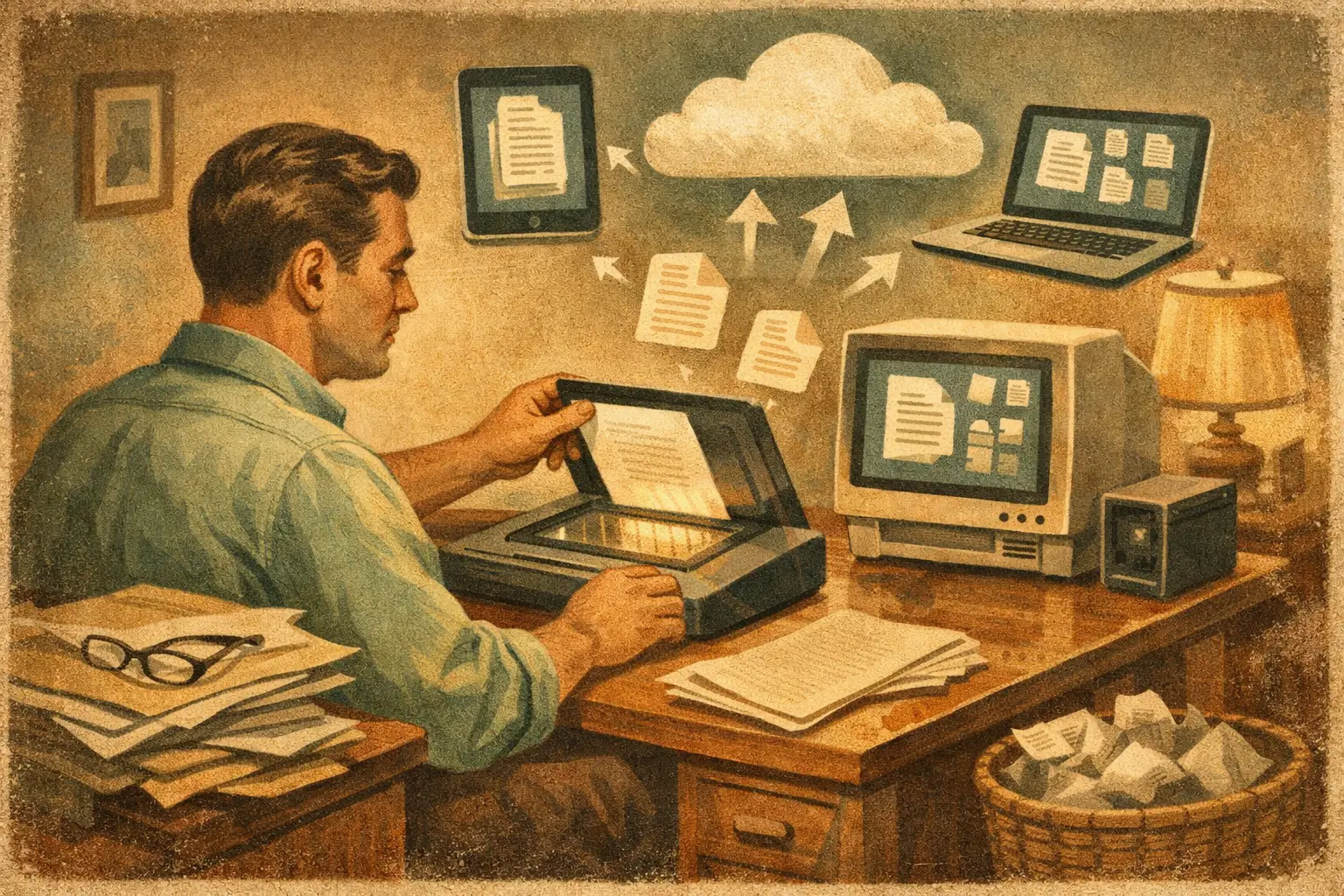
The receipt for the water heater is in a kitchen drawer. The warranty photo is somewhere in your camera roll. The last insurance policy arrived by email, while the property tax notice is still sitting under a stack of mail. That is exactly why people search for how to digitize household paperwork: not because they love organizing documents, but because they need an answer before a deadline, repair, claim, or tax appointment.
The goal is not to create a perfect archive. It is to make household information easy to capture and easy to retrieve. You should be able to ask, “When did we replace the roof?” or “What did we pay the plumber last spring?” and get the document behind the answer.
Start by deciding what deserves a digital record
You do not need to scan every piece of paper that enters your home. Grocery flyers, expired coupons, and old utility envelopes can go. Focus on paperwork that proves ownership, supports a decision, creates a deadline, or could save you money later.
For most households, that includes bills and payment confirmations, receipts for major purchases, warranties, insurance policies, medical records, tax documents, home repair invoices, vehicle paperwork, leases or mortgage documents, and school or childcare records. Keep documents related to identity, legal matters, and financial accounts especially accessible.
There is one useful rule: if losing the paper would force you to call someone, pay for a replacement, miss a deadline, or argue about what happened, digitize it.
You can work through the backlog over time. Start with current paperwork and documents tied to active obligations. The old box in the closet can wait until your new habit is working.
How to digitize household paperwork in three moves
A workable system has three jobs: capture the document, make its contents searchable, and connect it to the real-life context around it. Scanning is only the first part.
1. Capture documents where they already appear
Paper mail should be captured when you open it, not saved for a future “filing day.” Use your phone camera or a document scanning feature to create a clear PDF or image. Place the page on a dark, flat surface, use good light, and check that all corners are visible. For multiple-page documents, scan them into one file so the terms, signature pages, and dates stay together.
For digital paperwork, avoid the extra work of printing and rescanning. Save the original PDF from email, download statements from a provider portal, and forward confirmation emails to the place where you keep household records. Screenshots are fine for quick proof, but original PDFs are better for contracts, statements, and warranties because they preserve the full document.
Receipts need a slightly different approach. Capture them before thermal paper fades. For a high-value item, include a photo of the product label or serial number alongside the receipt. A receipt that says only “hardware store” is much more useful when it is connected to “dishwasher installation” or “living room paint.”
2. Make the text searchable, not merely stored
A folder full of scans is still a drawer, just on a screen. The difference comes from OCR, or optical character recognition, which reads the text in a photo or PDF and turns it into searchable information.
Before you trust a scan, open it and verify the basics: names, dates, account numbers, totals, and the document’s purpose. Low light, folded pages, handwriting, and tiny receipt print can cause errors. If a $1,280 repair invoice is misread as $128, the record may be technically stored but practically unreliable.
This is where a personal memory tool can reduce the maintenance burden. CleverNote, for example, can read documents, extract details such as dates, people, and amounts, and retain the original source behind the record. You capture the material first. The system does the reading and connecting, while you can correct anything in plain language.
3. Add just enough context to find it later
You do not need a complicated taxonomy of folders, tags, and color codes. But a document needs a few anchors. Think in terms of questions you may ask later: Who was involved? What was purchased or repaired? How much did it cost? When did it happen? Which home, car, pet, or family member does it relate to?
A repair invoice becomes far more useful when it can be associated with the contractor, the appliance, the amount paid, and the date. An insurance policy should be tied to the property or vehicle it covers. A medical bill should connect to the person, provider, and service date.
If your system automatically recognizes these details, review and correct rather than manually entering everything. If it does not, use a simple naming format for important files: `2026-04-18 - HVAC repair - Smith Heating - $640`. Consistency matters more than finding the perfect structure.
Build a capture habit, not an organization project
The easiest system is the one that matches your real routine. Put a small “scan” tray near where you open mail. Once a week, scan whatever is in it. Better yet, capture documents immediately when you can do it in under a minute.
For email, create a simple rule for messages that contain invoices, policies, order confirmations, or receipts. Do not let them remain buried in an inbox that also contains newsletters, family messages, and work threads. Save the attachment or forward the email to your records system while the purchase or appointment is still fresh.
A household with two adults should agree on one shared behavior: every important document goes to the same searchable place. Otherwise, one person has the contractor invoice in text messages, the other has the payment confirmation in email, and neither can find the warranty when the appliance fails.
Do not make naming, categorizing, and filing a condition of capture. That rule creates friction, and friction creates piles. Capture first. Improve details only when a document is important enough to need them.
Keep originals when the paper still matters
Digitizing paperwork does not always mean shredding it. Some originals may be legally required or simply wiser to retain. Examples include birth certificates, passports, Social Security cards, property deeds, vehicle titles, signed estate documents, and certain court records. Keep these in a secure physical location, such as a fire-resistant safe or safe-deposit box, while also maintaining a digital reference copy if appropriate.
For tax records, insurance documents, and contracts, retention periods depend on where you live, the document type, and your situation. When in doubt, keep the digital version longer than you think you need it, and confirm specific legal or tax requirements with a qualified professional.
The paper copy is also worth keeping when a scan is incomplete, unreadable, or missing a seal, signature, or other feature that may matter. A digital record makes retrieval easier. It does not automatically replace every original.
Protect sensitive household records
Your household archive may contain account numbers, addresses, medical details, tax forms, and signatures. Convenience should not mean treating this material casually.
Use a strong, unique password and multi-factor authentication for the account where you store documents. Lock your phone and computer. Be careful with shared devices, public Wi-Fi, and email forwarding rules. If you share access with a partner, choose a system that supports intentional sharing instead of passing passwords back and forth.
Also think about the source of each record. A useful system should preserve the original document or message, not merely summarize it. When you need to verify a payment amount or policy date, you want to see the invoice, receipt, or statement that supports the answer.
Turn the archive into something you can ask
The payoff arrives when a document stops being a file and becomes usable memory. Instead of browsing folders, you should be able to search or ask practical questions: “Which contractor repaired the fence?” “Which notes describe this year’s car maintenance?” “When does the renters insurance renew?” “Where is the receipt for the laptop?”
That is also why context matters. A basic filename search may find every document containing the word “repair.” A connected record can distinguish the garage door repair from the dishwasher repair, identify the vendor, show the amount, and lead back to the source.
Set aside 15 minutes once a month to review recent captures. Look for expiring warranties, unpaid invoices, renewal dates, and documents that need clearer context. This is not a filing ritual. It is a quick check that your household memory can answer the next question before it becomes urgent.
The best paperless system is not the one with the neatest folder tree. It is the one that lets you capture a document in the moment, trust where it came from, and find it when life asks for it.
Try the app from this guide with your CleverNote account.
Open CleverNote: Notes & Reminders
CleverNote: Notes & Reminders
