 CleverNote
Stop retyping your list into Todoist
Connect a CleverNote list to a Todoist project. What you add or check off in one shows up in the other.

You wrote it down. Then you typed it into Todoist again.
How it works
-
1. Connect a list.
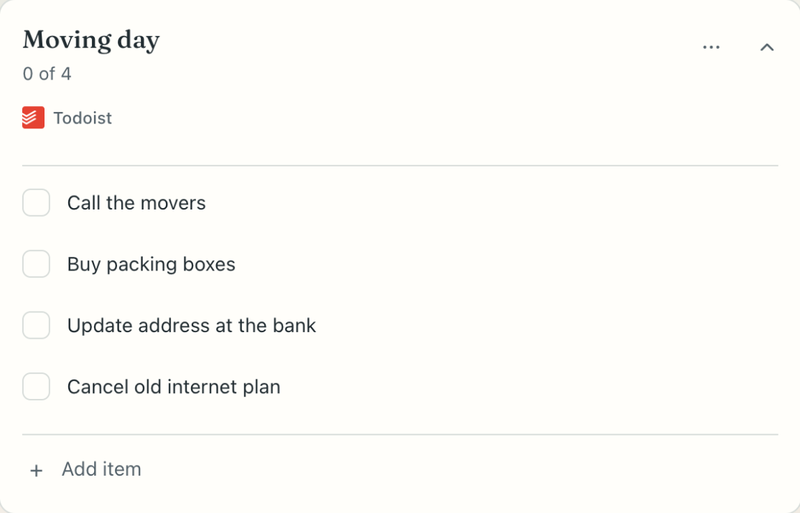
In the Lists tab, connect a CleverNote list to Todoist or bring in a Todoist project. A connected list shows the Todoist badge.
-
2. The same list in Todoist.
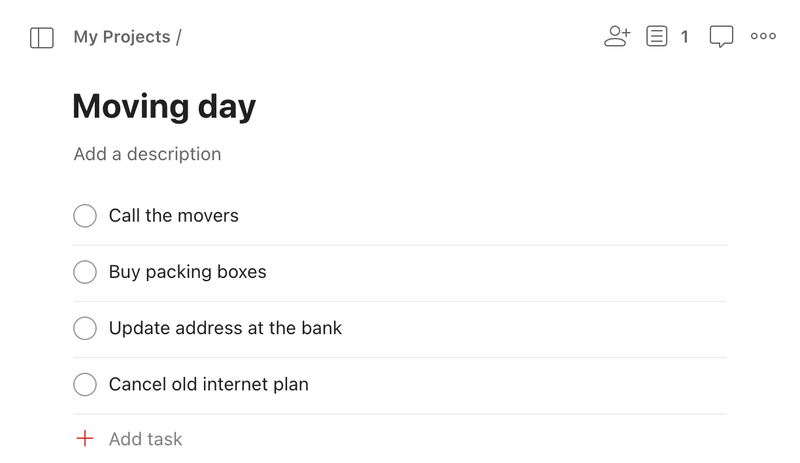
Moving day appears as a Todoist project with the same items. Add an item in either app and it shows up in the other.
-
3. Check it off in one, done in both.
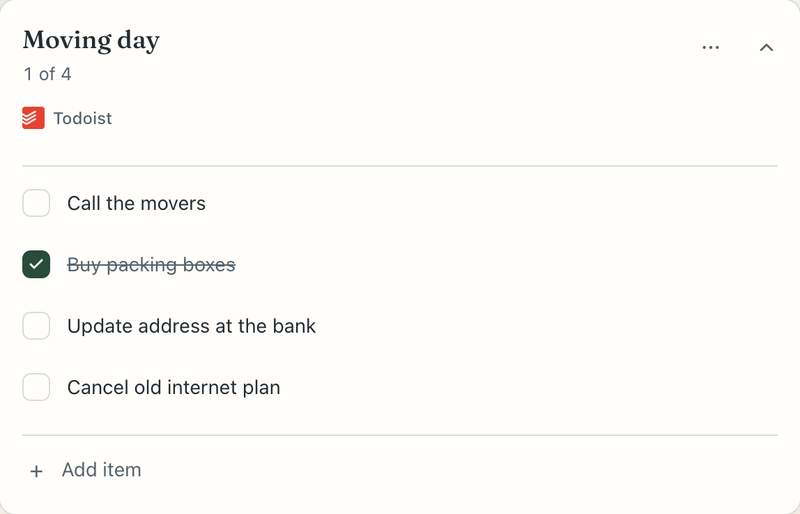
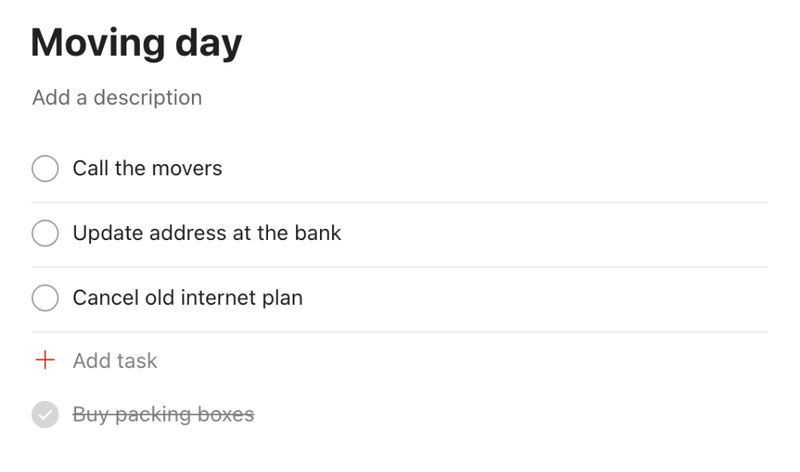
Mark Buy packing boxes done in CleverNote or in Todoist and it's checked in both. Only the projects you connect sync.
What syncs and what doesn't
Syncs
- The lists you connect, from the Lists tab
- List items, both ways: added and checked off
Doesn't sync
- Your notes, questions and reminders outside the Lists tab
- CleverNote Finance
- Todoist projects you haven't connected to a CleverNote list
- Dates, priorities, descriptions and comments (they stay in Todoist)
- Subtasks, recurring tasks and shared projects
Privacy
CleverNote syncs only the Todoist projects you connect to a list. When you connect, Todoist asks you to allow read, write and delete access to your account. CleverNote uses that full access only to sync the projects you connected. Disconnect Todoist anytime, even if your plan has ended. Your lists stay saved in CleverNote.
Write it once. See it in both apps.
Create free accountTry Pro free for 7 days. No card needed.
After the trial, Todoist sync is part of Plus and Pro.
On Free, sync pauses and your lists stay in CleverNote.